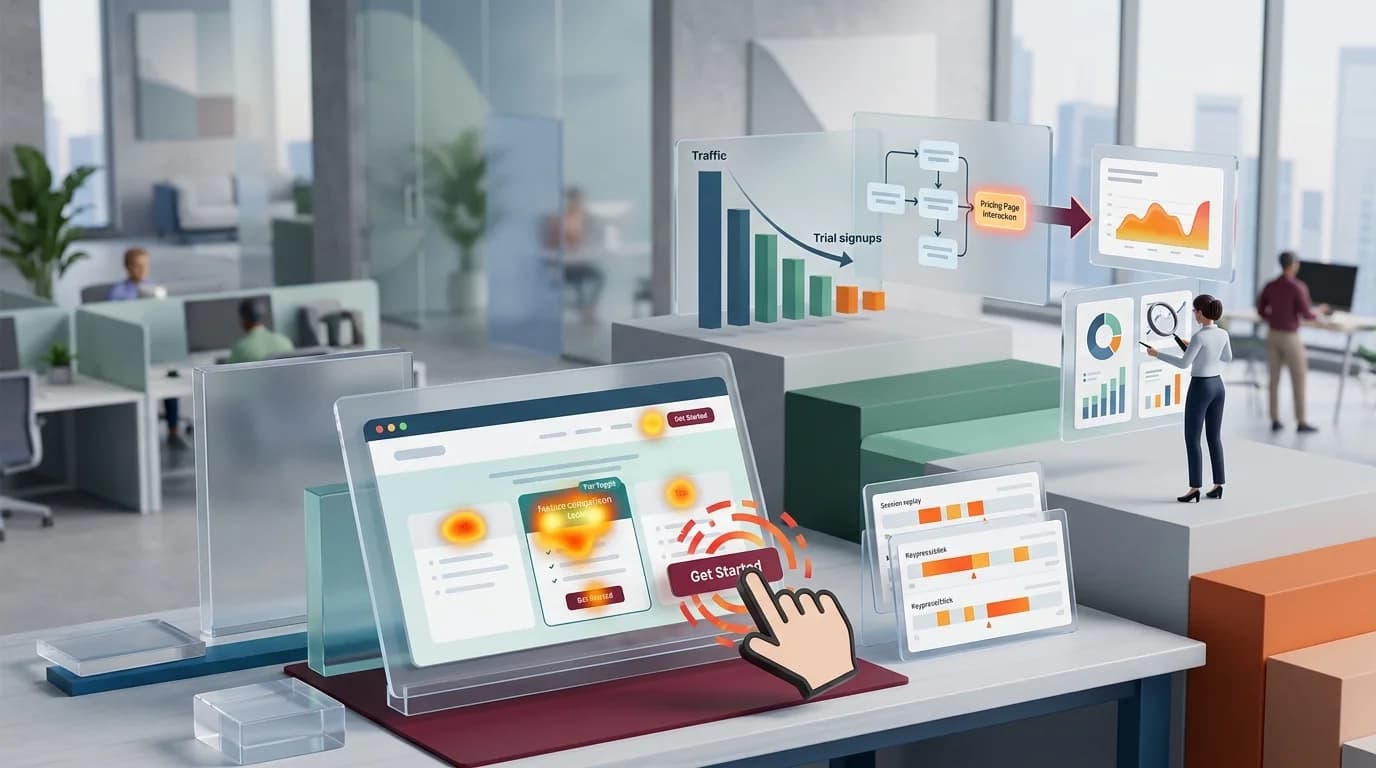
Your pricing page is the second-most-visited URL on the marketing site, right behind the homepage. GA4 says the bounce rate is fine. The conversion event "trial_started" fires at a rate that nobody internally finds alarming. And yet the SDR team keeps asking why pricing-page-to-demo-request has been flat for two quarters.
The honest answer is usually that a chunk of intent traffic is hitting your pricing page, getting confused or annoyed, and leaving without ever firing the events you watch. Funnel reports won't show it because the user never made it to step one. The fingerprint of that frustration is rage clicks, and a heatmap is the cheapest way to find them.
The pricing page is where intent goes to die
Most B2B SaaS pricing pages were designed by the founder, redesigned by a PM, and then "optimized" by whoever ran the last lifecycle test. They tend to accumulate:
- A monthly/annual toggle that looks clickable but only animates the price.
- Three or four "Get Started" buttons that go to different places (signup, contact, calendar, sometimes the docs).
- A comparison table where the cells look pressable but aren't.
- An enterprise tier with "Talk to Sales" that opens a chat widget instead of a form.
- A "See all features" expander that lags on slower laptops.
Each of those is a tiny bet that the prospect will figure it out. Heatmaps tell you when the bet fails.
What a rage click on a pricing page actually looks like
A rage click in CloseTrace is three or more clicks on the same element inside a short window, usually two seconds. On a checkout page, that pattern is mostly "Pay" button not responding. On a pricing page, the patterns are different and more diagnostic.
The four you'll see most often:
The phantom toggle. Users click the monthly/annual switch repeatedly because the price below it updates with a transition that's slower than they expect. They think they missed it and click again. Three clicks in 1.4 seconds, no navigation, no conversion event.
The comparison-row click. A row in your feature comparison table that lists "SSO" or "Audit log" — users click the row trying to read more, because it looks like a disclosure. Nothing happens. They click again, then leave.
The wrong-tier CTA. A user is reading the Growth column, but the most prominent CTA on the page is the Enterprise "Contact Sales" button. They click it, get a contact form they didn't want, hit back, and lose their place in the table.
The dead logo strip. "Trusted by" logos get clicked surprisingly often. People expect the logos to link to case studies. Most of the time they don't.
None of these show up as a conversion problem in GA. They show up as silent intent loss.
The workflow we run on a new pricing page
If you've just shipped a pricing redesign — or inherited one — here's the order to look at things in. None of this depends on which tool you use; it's the diagnostic sequence.
1. Open the click heatmap for the pricing-page URL
Mobile pricing-page behaviour is different enough that mixing it in can muddy the signal. CloseTrace's current heatmap view does not provide a device filter. Use the Sessions device filter and mobile replays for a device-specific read, and treat the page heatmap as aggregate evidence.
Look for click clusters on non-interactive elements. Feature rows. Plan names. Logo strips. The "Most popular" badge. Each cluster is a moment where the page promised interactivity it didn't deliver.
2. Switch to the rage-click overlay
A regular click heatmap shows where attention lands. The rage-click view shows where attention turned into frustration. The two often look similar, but the rage-click map is the one you can act on, because it's a stronger signal that the user wanted something specific and didn't get it.
If you see rage clicks on a CTA that does work, the problem is usually latency — the click is firing, but the navigation takes a second, so users click again.
3. Pull three session recordings per cluster
Heatmaps tell you where; replays tell you why. You want to watch the actual sessions for any cluster with more than a handful of rage clicks. Three is usually enough to spot the pattern. If you've already read our piece on heatmap analytics mistakes, this is the step most teams skip and then misread the heatmap.
4. Match it against your funnel from pricing page → trial
If the rage-click hotspot is upstream of where the funnel drops, you've probably found the cause. If the funnel drops after the click, you've found a separate problem — usually a form-field issue on the signup page itself.
What you actually change
A few of the fixes are dull and obvious; that's normal. Pricing-page optimization is mostly removing things, not adding them.
- Make the toggle feel instant. Drop the transition to under 100ms, or remove the animation entirely. People click again because they don't trust the change happened.
- Make rows clickable if they look clickable. If feature names look like links, link them — to docs, to a tooltip, to anything. The worst answer is "nothing happens."
- Consolidate CTAs per tier. One primary CTA per pricing card, sized and coloured the same across tiers. The "Contact Sales" exception is fine; just don't put it where someone on the Growth tier will hit it by accident.
- Kill the dead logo strip clicks. Either link the logos to case studies or make them visibly non-interactive (no hover state, no pointer cursor).
After the change, revisit the same page heatmap after another 7-14 days and compare cluster intensity. A genuine fix shows up as a cluster that visibly thins out, not as a vague "looks better" impression.
The caveat nobody mentions
Heatmaps aggregate, so internal testing and bot traffic can distort the picture. CloseTrace does not currently provide an IP-exclusion control on the heatmap. Keep staging traffic on an untracked site, avoid generating test clicks on production, and confirm important clusters with real session evidence before acting.
Also: not every rage click is a problem. Some users just click fast. The threshold matters. If you set rage-click detection too sensitive (two clicks in three seconds), you'll chase ghosts. Three clicks in two seconds is the default for a reason.
The outcome to measure
Pick one metric before you start. The most honest one for a pricing page is pricing-page → trial-or-demo-form-loaded, not "trial signups." You want to know whether the page successfully handed off the user to the next step, not whether the next step also worked.
Typical wins from this exercise, based on what we and others publish: a 10-25% lift in pricing-page → next-step rate when you fix the top two rage-click clusters. Bigger numbers exist in the wild, but they usually mean the pricing page was very broken to start with.
The reasonable next action: open the pricing-page heatmap for the last 14 days and write down the first non-button element with a click cluster. If device context matters, inspect the corresponding desktop or mobile sessions separately before choosing the fix.