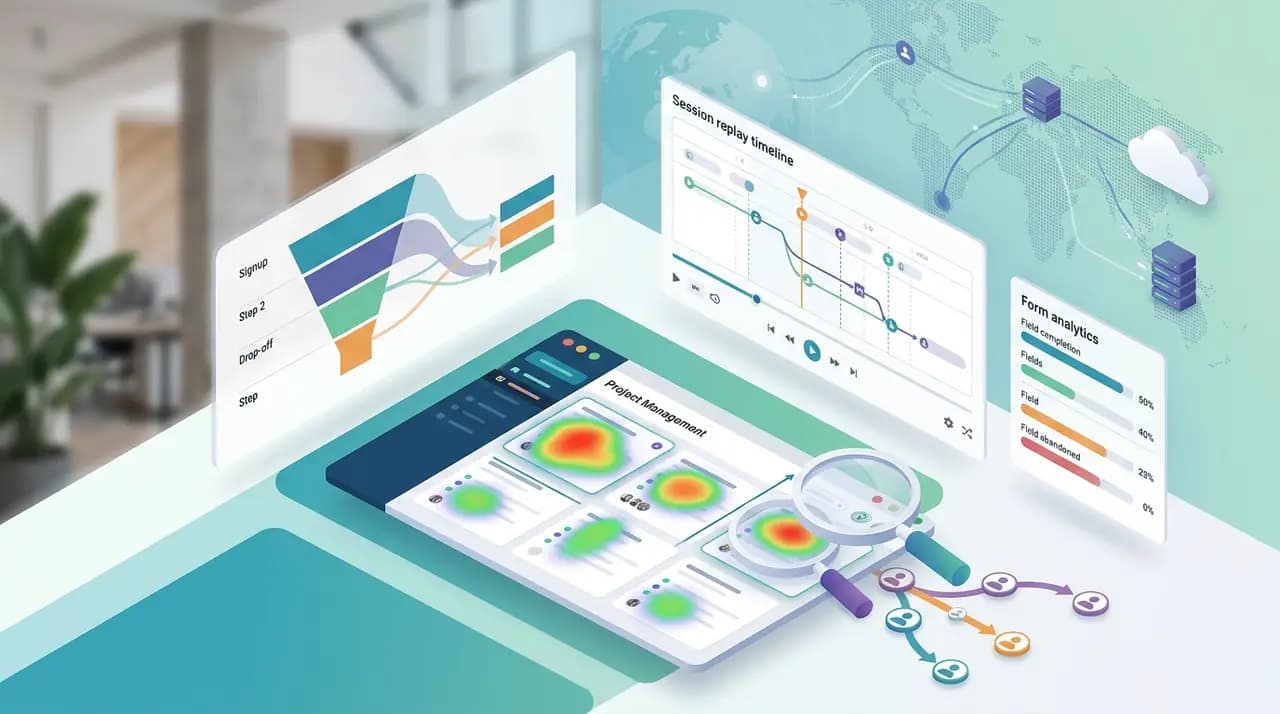
Heatmaps feel like magic the first time you see one. A rainbow blob lights up your pricing page, and suddenly you "know" what your users are doing.
Then you ship three changes based on that heatmap, and your conversion rate doesn't move.
This is the dirty secret of SaaS heatmap analytics: the tool is powerful, but most teams use it wrong. They treat a heatmap as a verdict when it's really a hypothesis. Here's how to actually extract revenue from yours.
What a heatmap actually tells you
At their core, heatmaps are a visual aggregation of behavior — clicks, scrolls, and mouse movement — across many sessions on a single page. There are three flavors worth knowing:
- Click maps — where users tap or click. Useful for spotting ignored CTAs and "rage clicks" on non-interactive elements users thought were buttons.
- Scroll maps — how far down the page people get. Useful for finding the fold-cliff where 60% of your traffic bounces before seeing your value prop.
- Move maps — cursor movement as a rough proxy for attention. Useful, but noisy. Don't over-index on these.
A good heatmap tool lets you slice these by device, traffic source, and — critically — by segment. Desktop users and mobile users behave completely differently, and an aggregate heatmap will hide that.
The lie of the averaged heatmap
Here's where most SaaS teams go wrong: they look at one heatmap for one page and treat it as The Truth.
But a heatmap averages across everyone. Your pricing page is visited by:
- Cold traffic from a Google ad
- Warm traffic from your blog
- Existing customers checking a plan tier
- Competitors doing recon
- Bots
All of their clicks get smashed into the same blob. The "hottest" area might just be where your cheapest visitors gawk — not where your buyers decide.
The fix: always segment before you interpret. Look at heatmaps for paid traffic separately from organic. Filter to users who hit your demo form vs. those who bounced. If your tool can't segment, it's not analytics — it's decoration.
The "why" problem
A heatmap shows you what happened on a page. It doesn't show you why.
You see that 40% of users click a tiny "See plans" link in your nav but ignore the giant "Start free trial" button three inches below it. Cool. Now what?
You can guess. Or you can watch.
This is why heatmaps without session replay are half a product. The heatmap surfaces the anomaly; the replay lets you sit next to the user and see the confused scroll, the back button, the double-click on a static image. One session replay of a real frustrated user will teach you more than a week of staring at color gradients.
Tools like Hotjar, Microsoft Clarity, FullStory, and Smartlook all get this — they bundle heatmaps with replay because the combination is what actually drives decisions.
Where heatmaps quietly fail
A few failure modes that will burn you if you don't know them:
Low-volume pages. A heatmap needs data. Running one on a page with 200 monthly visits produces noise, not signal. Most tools recommend 2,000–8,000 views as a baseline. Below that, don't bother.
Dynamic content. Single-page apps, accordion menus, A/B-tested hero sections — standard heatmaps often break here because coordinates shift as content swaps in. Check whether your tool supports dynamic element tracking before trusting the output.
Above-the-fold obsession. Scroll maps make it obvious that most users never reach your footer. The natural reaction is to cram everything above the fold. Don't. Users who do scroll are your qualified ones. Design for them too.
Forms. Heatmaps are particularly weak at diagnosing form drop-off. A click map won't tell you the user typed nine characters into a phone field and rage-quit. For that you need event-level form abandonment tracking.
The heatmap stack that actually moves metrics
If you're a SaaS team trying to extract real lift from heatmap analytics, here's the stack that works:
- Heatmap for the "what" — Pinpoint pages and regions where behavior deviates from what you'd expect.
- Session replay for the "why" — Watch 10–20 sessions on the anomalous page. Patterns emerge fast.
- Funnels for the "how much" — Quantify how the anomaly affects the next step. A confusing CTA only matters if it gates revenue.
- Lead recovery for the "now what" — When you find users abandoning a high-intent page, re-engage them before the session cools.
This is the core loop: heatmap → replay → funnel → action. Skip any step and you're either guessing or drowning in data without moving the needle.
A quick benchmark
If you're wondering whether your heatmap insights are "good enough," here's a rough bar from teams doing this well:
- Above-the-fold scroll reach: aim for 80%+ on landing pages.
- CTA click share: your primary CTA should pull 3–5x more clicks than secondary links on the page.
- Rage click rate: under 2% of sessions. Anything higher points to a broken expectation — an element that looks clickable but isn't.
If you're below these, the heatmap is already telling you where to start.
The takeaway
Heatmaps are a diagnostic tool, not a prescription. They're brilliant at surfacing where something is off and nearly useless at explaining why on their own.
Pair them with session replay, segment ruthlessly, and always end your heatmap session with a specific hypothesis to test — not a vague "we should redesign this page." The teams that win with heatmaps aren't the ones with the prettiest visualizations. They're the ones who treat every hot zone as a question, not an answer.
If you want the full loop — heatmaps, replay, funnels, and recovery in one place — that's what CloseTrace is built for. Check the pricing and start with one page that's underperforming. One page, one hypothesis, one test. That's how this actually works.