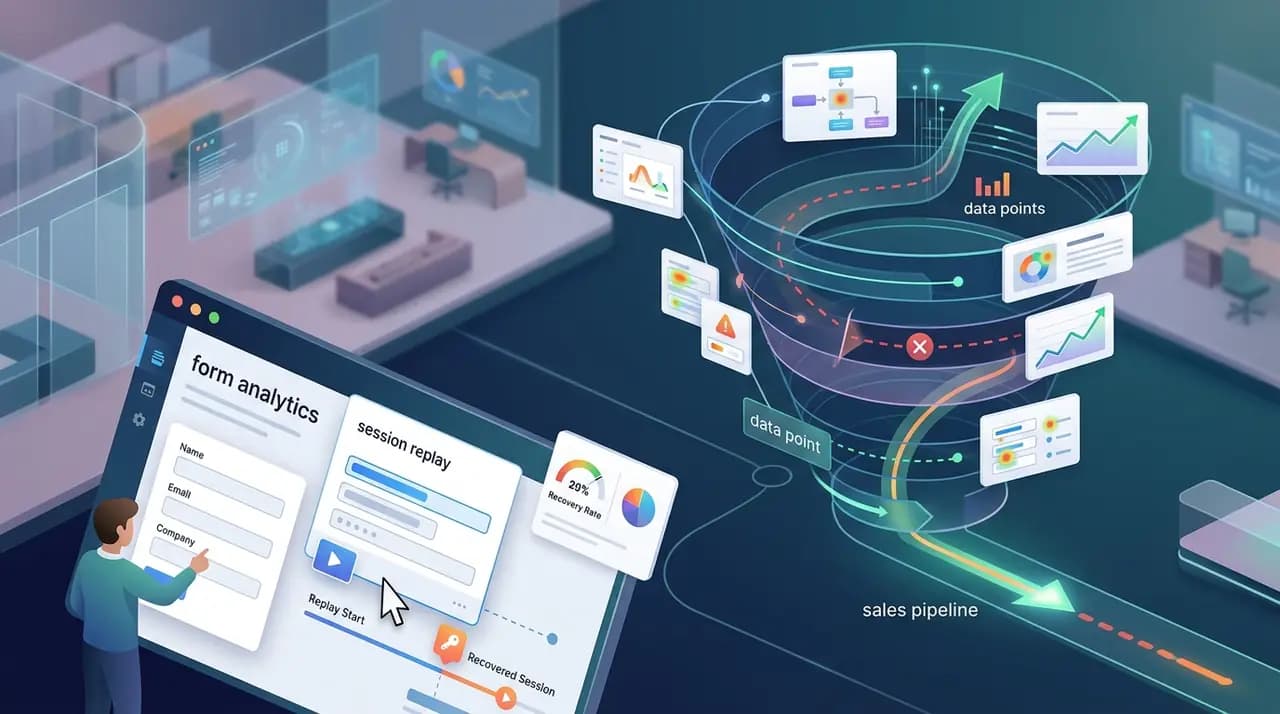
Most marketing teams measure forms in two states. Submitted, or not. There is no third box. A visitor who typed their email and a half-finished message is filed away with the visitor who never opened the page. Both count as zero. Both are written off.
Both are not the same.
This guide is about the visitors in between — the ones who started typing and never clicked submit — and the workflow that turns them back into leads.
What lead recovery actually means
Lead recovery is not a marketing buzzword. It is a specific technical practice: capturing partial form submissions — name, email, phone, message — as a durable object the moment a visitor types them, so the lead exists even if the visitor never clicks submit.
It is the opposite of how most analytics tools treat forms. The standard approach is:
- Fire a
form_viewevent when the form scrolls into view - Fire a
form_submitevent when the form is submitted - Calculate the ratio and call it your conversion rate
Two events. One number. No record of the people in between.
Lead recovery captures the in-between as a first-class object — a draft — with the field-level state preserved. The visitor's typed email is yours the moment they tab out of the field. The submit button is a nice-to-have, not a gatekeeper.
CloseTrace treats eligible form interaction as a durable lead-draft journey with field metrics and a jump back into the source session. Supported contact values appear only when the active workspace capture policy permits them. Free during early access. Start free →
Why your best leads never click submit
A visitor who lands on your site, scrolls past the hero, opens the contact form, types their name, types their email, starts on the message, hesitates, and closes the tab is more interested than 95% of your traffic. They did the work of finding you. They got 80% of the way through the conversion. They want to talk to you.
And they are gone. Without a record. Without a way to follow up.
When we instrument forms properly, the funnel almost always looks like this on a typical B2B site:
| Stage | % of viewers |
|---|---|
| Form viewed | 100% |
| First field focused | ~28% |
| Email field touched | ~18% |
| Message field touched | ~12% |
| Submitted | ~3% |
The interesting number is not 3%. It is the 9% — the gap between "started typing the message" and "submitted". Those are people who wrote you something and threw it away. That is not a conversion problem. That is a closing problem.
Solve the closing problem and your number does not go from 3% to 4%. It goes from 3% to 9%, because you stopped throwing away the visitors who already wanted to talk to you.
What you need to capture (and what you do not)
There is a clear list. Capture these:
- Email — the moment it is typed in a
type="email"input, onblur - Name — first non-empty value in
name/fullname/first_namefields - Phone — same pattern, with E.164 normalization
- Company / role — when the form has them
- Message body — first 5,000 characters, on the same
bluras email - Form identifier — which form on which page
- Field-level metrics — time on field, deletions, abandonment point
- A pointer to the source session replay
Do not capture these:
- Credit card numbers, even if your form has them
- Password fields
- Hidden fields (almost always tracking junk)
- Anything in fields the visitor explicitly marked as private
The line is clear: identifying contact info that the visitor has already typed and meant to send is recoverable. Anything else stays masked. Lead recovery is not surveillance — it is taking the message they wrote and making sure it does not get lost.
The four pieces of a recovery stack
A working lead recovery stack has four components. Skip any one and the system breaks.
1. The capture layer
A field-level listener that fires on focusin, focusout, and input for every field in every form on every page. Most analytics tools do not do this — they only fire on submit. You need a tracker that treats each field event as a recordable signal.
2. The draft store
A persistent store keyed by visitor + form identifier, not by session. Same visitor across two sessions = same draft. Updates merge field-by-field, preferring non-empty new values, falling back to existing. The draft has a status — draft, submit_attempted, submitted, failed — with strict precedence so a later submitted always wins over an earlier draft.
3. The recovery dashboard
A UI that lists every draft that is in draft or failed state, sorted by recency, filterable by site and date range. Each row shows the contact, the field they bailed on, the time on the form, and a one-click link to the source session replay so the operator can see the actual visit before reaching out.
4. The follow-up workflow
The capture and the dashboard are useless without an outbound. Email, SMS, or human outreach within the same business day, with a message that references the specific field they bailed on — not a generic "we noticed you visited."
Lead recovery by platform
Most teams build their site on a CMS or page builder, not from scratch. The platform you are on dictates how you wire up capture. Each of these is its own deep dive.
Contact Form 7 (WordPress)
CF7 has 5M+ active installs and zero native abandonment tracking. Three plugin options compared, plus the no-plugin JavaScript snippet that catches blur events directly.
Read the full guide →
Form analytics vs session replay
They sound similar and they are not. Field-level funnels measure aggregate behaviour. Session replay records individual visits. Here is when you need both, and when you only need one.
Read the full guide →
Form abandonment rate benchmarks
The headline number is somewhere between 67% and 81%, depending on industry and form length. Here are the 2026 benchmarks, the formula, and the five biggest drivers of high abandonment.
Read the full guide →
GDPR, consent, and the legal floor
Capturing partial form data raises the same legal questions as capturing submitted form data, with one extra wrinkle: the visitor never clicked the submit button, which is the moment most consent flows treat as the user's affirmative action.
Two things matter:
- Legal basis under GDPR Article 6. "Consent" is the safest, but for a contact form the practical basis is usually "legitimate interest" — recovering a lead that was about to convert is not a surveillance use case. Document the balancing test in writing.
- What you can do with the recovered data. Cold email a recovered lead with a relevant follow-up about the form they almost completed: defensible. Add them to a marketing newsletter list: not defensible without a separate opt-in.
The American Express £90,000 ICO fine in 2021 was specifically about pre-consent email capture for marketing. The wrinkle is the difference between capturing (which legitimate interest can cover for a contact form) and marketing to (which usually requires consent).
Is session replay GDPR compliant?
Yes, with conditions. Mask PII, document a lawful basis, sign a DPA with the vendor, define a retention policy, and support DSARs. Here is the plain-English breakdown — no law-firm jargon.
Read the full guide →
The recovery workflow that actually works
Capture is the easy part. Almost any modern tracker can fire field-level events. The hard part is what happens after the draft hits your dashboard.
The workflow that actually closes recovered leads has four steps:
Step 1: Triage within one business day
The half-life of a recoverable lead is measured in hours, not days. A visitor who half-typed your contact form on Monday morning is a different person by Wednesday — different mood, different priorities, possibly already talking to a competitor. Triage every draft within the same business day or write it off.
Step 2: Watch the replay before you write
This is the rule that changes the close rate. Before sending any outreach, open the source session replay and watch the actual visit. You will learn:
- Whether they hesitated for 8 seconds before typing their email (high intent)
- Whether the message field was the one they bailed on (writeable concern)
- Whether they scrolled to your privacy policy before bouncing (trust issue)
- Whether they tabbed back and forth between fields (form clarity issue)
A 90-second replay tells you everything a generic CRM lead score never could.
Step 3: Reach out with a specific message
There is a huge difference between:
- "Hey, I noticed you started filling out our contact form earlier — happy to answer any questions"
- "Hi, looks like you reached the budget question and stopped. We have a flexible pricing tier if budget is a concern."
The first is fine. The second closes deals. You can only write the second one if you watched the replay and know which field killed the conversion.
Step 4: Close the loop in your CRM
Mark the draft as actioned or closed in your dashboard so the same lead does not get worked twice. Pipe the outcome back into the system — replied, booked, ignored, opted out — so you can see the recovery rate over time and tune the workflow.
✓ Lead recovery deployment checklist
- A field-level tracker firing
focusin/focusout/inputon every form - A draft store keyed by visitor + form, not session
- Status precedence wired correctly —
submittedalways wins - A recovery dashboard with replay deep-link on every row
- A "watch before write" SOP for the operator
- A same-day triage cadence
- Documented GDPR legal basis for capture and outreach
- A retention policy (90 days is a sensible default)
- A close-the-loop mechanism in the CRM
Common questions answered
What counts as a "started typing" lead?
The moment the visitor focuses any field in the form. Some tools only count first keystroke, but field focus is the cleanest signal — it captures the visitor who tabbed in, looked at the field, and tabbed away as well as the visitor who actually typed something.
Do I need consent to capture partial form data?
For a contact form on your own website, the legitimate interest basis under GDPR Article 6 typically covers capturing the data the visitor was about to send you. Consent is required separately if you want to use that data for marketing email campaigns. This is not legal advice — get a real DPO opinion for your specific jurisdiction.
How long should I keep recovered drafts?
Long enough to action them, short enough to not become a liability. 30 to 90 days is the practical range. After that, anonymize or delete. A 12-month retention policy with no business reason for retaining the data is hard to defend in a DSAR.
Can I capture form drafts without a tracking script?
Not realistically. Every approach to partial form capture requires a JavaScript listener on the form fields, whether you write it yourself or install a plugin. Server-side capture (catching the form on submit failure) misses 90% of the value because the visitor never hit submit.
What is the difference between form analytics and lead recovery?
Form analytics measures aggregate field-level behaviour — drop-off rates, time on field, validation errors. Lead recovery captures the actual contact data of individual visitors so you can follow up. They are complementary, not interchangeable. Read the deep dive on the distinction.
Will this slow down my site?
A properly built field-level tracker fires passive listeners, batches events, and sends in the background — total overhead under 10 KB and under one millisecond per interaction. The CloseTrace tracker is async-loaded with try/catch around every internal call so it cannot throw into the host page. Slow trackers exist; they are a choice, not a requirement.
Final view
Lead recovery is the cheapest growth lever most marketing teams ignore. The traffic is already there. The intent is already there. The contact information is already there — typed into a form by a visitor who meant to send it.
The only thing missing is the workflow that catches it before the tab closes.
Build that workflow. Watch the replay before you write. Reach out the same day. Stop measuring forms in two states.
This guide is for informational purposes only and does not constitute legal advice. Consult a qualified data protection officer for your specific jurisdiction. Conversion rates and benchmarks are illustrative and depend on industry, form length, and traffic source.