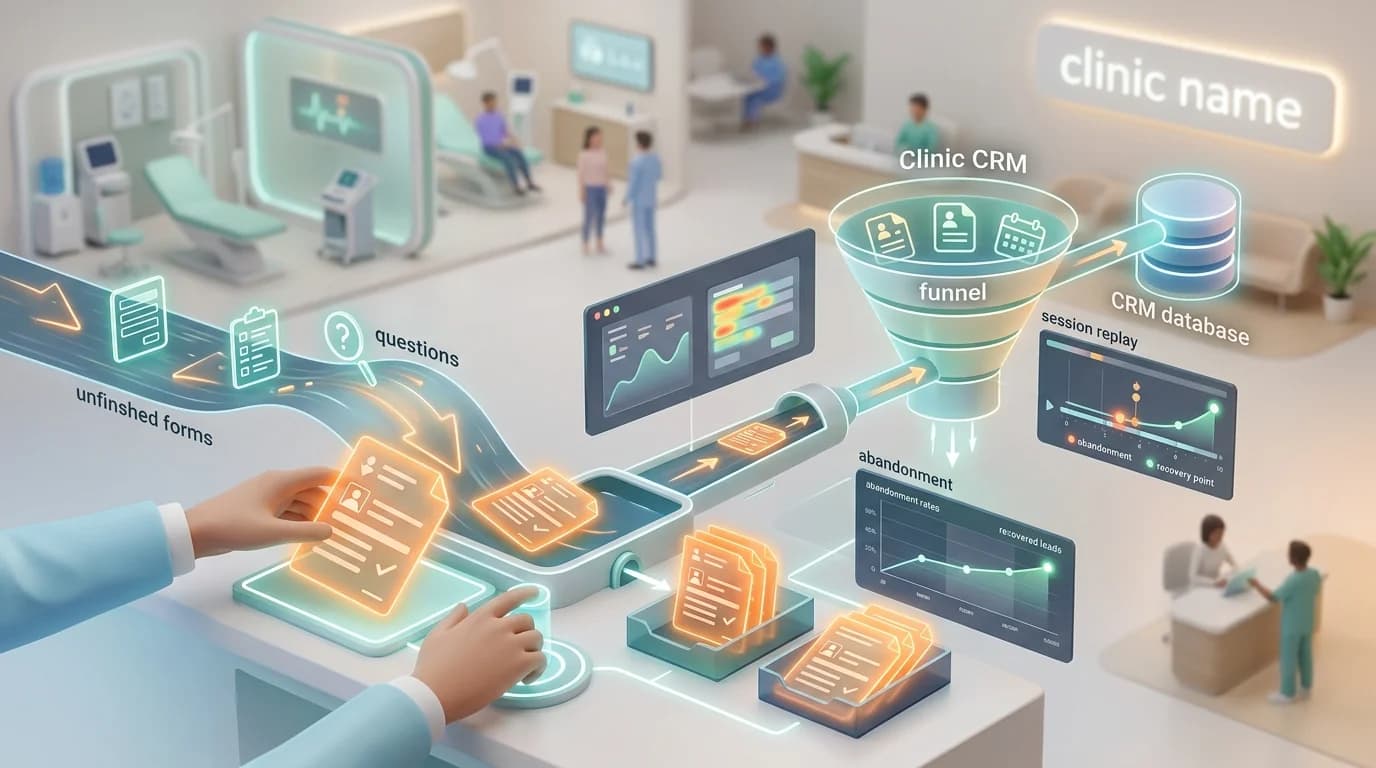
A patient lands on your booking page from a Google search for "urgent care near me." They start the intake form. Name, DOB, phone — fine. Then the insurance dropdown loads, the time-slot picker glitches on their phone, and they bounce.
Your CRM never hears about them. Your front desk never calls. That visit goes to whoever ranks second on Google.
Now multiply that by the 60-80% of your form starts that never finish.
Healthcare intake is uniquely hostile to completion
Most industries deal with form abandonment. Healthcare deals with a stack of it.
Patient intake forms run 8-12 fields long, each with its own validation. Phone formats. Date-of-birth pickers that fight thumbs. Insurance carrier dropdowns with 400 options. By field five, the visitor has done more typing than they expected when they clicked "Book Appointment."
Then come the asks that scare people off:
- Insurance details collected before they know whether you take their plan
- Reason for visit asked in a small text box on a phone screen
- Telehealth signups that demand pharmacy info before showing the doctor's photo
- Time-slot pickers that render half the calendar off-screen on iOS Safari
Each one is a quiet exit. The visitor doesn't email you. They don't bounce angrily. They just close the tab and go to the next clinic.
The "no lead" lie
Most clinic marketers measure conversion rate as completed forms divided by sessions. Anything that didn't submit is treated as if it never happened.
That's wrong by orders of magnitude.
A half-completed intake form contains a name, a phone, and a reason for visit roughly 60% of the time — because those fields tend to come first. The visitor told you who they are and why they need care. Then your form lost them.
Treating that as zero is the most expensive accounting error in healthcare marketing.
What lead recovery actually does
Lead recovery records field-level behavior for eligible forms and can retain supported values before submit when the workspace capture policy permits them. An unsubmitted journey appears in the CloseTrace recovery queue; the current release does not automatically route it to a CRM.
The tracker batches and debounces form-draft updates instead of transmitting every keystroke. Your team can review the resulting journey and use CSV export for an authorized follow-up process when an approved contact method is present.
That changes the math from "37% completion rate" to "37% completion plus another 20-25% recoverable."
Doing it without becoming a HIPAA problem
This is where most clinics get nervous, and they should — collecting PII without intent to retain it is exactly the kind of thing that triggers a privacy review.
Two ground rules:
Capture only what the visitor would submit anyway. If your form's purpose is to collect a name, phone, and reason for visit, form drafts of those three fields are no more sensitive than a completed submission. The visitor's intent to share them is identical.
Protect everything else. Insurance member IDs, SSN-style fields, and free-text symptom descriptions should never enter analytics. CloseTrace permanently excludes sensitive authentication, identity, and payment fields and supports element-level masking and blocking for additional private content.
For a deeper look at what's safe to record, we walked through the trade-offs in HIPAA-aware session replay for clinics.
The same-day routing workflow
Recovery only works if the response is fast. A patient who abandoned at noon and gets a call at 4 PM is still warm. The same patient called the next morning has already booked elsewhere.
A workable setup:
- Capture on field blur. Name, phone, email, reason for visit get sent to your backend the moment focus leaves each field.
- Review inactive drafts. Filter the recovery queue for abandoned journeys with an approved contact method. CloseTrace does not currently fire a CRM webhook automatically.
- Auto-assign to a real human. Not a drip email. A front-desk callback within 4 hours.
- Replay the session before calling. The receptionist sees exactly which field tripped them up — was it insurance, the time slot, or the symptom box? — and can lead the call with empathy: "I noticed our time-slot picker can be tricky on phones — let me find a slot that works for you."
That last step is what turns a recovered lead into a booked appointment. Cold callbacks convert at 5-8%. Callbacks where the agent already knows what went wrong convert closer to 25-30%.
What the numbers look like in practice
A 12-location urgent care group running this workflow saw, in a typical month:
- 3,200 form starts on their booking page
- 1,180 completions (37% completion rate, healthcare-typical)
- 720 partial records captured that previously vanished
- 410 of those contained an approved contact method and were eligible for team review
- 102 booked appointments from same-day callback
That's an 8.6% lift in booked appointments without changing a line of the form, the ad creative, or the budget.
The form still leaks. The leaks just stopped being silent.
Diagnose before you recover
Recovery captures what's leaving. It doesn't tell you why.
Pair it with a funnel report on your intake form to see which field is the cliff. We see the same culprits across clinics:
- Insurance carrier dropdown loaded too early in the form
- Date-of-birth picker on iOS Safari
- Time-slot grid that doesn't scroll on mobile
- Phone-number field with an aggressive regex that rejects valid numbers
A heatmap on the booking page tells you whether visitors are even reaching the form, or bouncing from the hero. A funnel tells you where they leak inside it. Recovery tells you who you can still call.
You need all three. Recovery alone is a bandage on a leaky funnel — it gets you the lead back, but doesn't stop the next 100 from breaking the same way.
The takeaway
Stop treating partial intake forms as failed conversions. They're warm leads with a reason for visit attached, and a same-day call from your front desk converts them at rates no email sequence will match.
Set up field-level analytics, exclude anything you do not strictly need, and review eligible abandoned journeys through the CloseTrace queue or CSV export. Keep medical details out of analytics and involve your privacy/compliance owner before any follow-up workflow.
The patients are already telling you they want care. The only question is whether you hear them before the next clinic does.