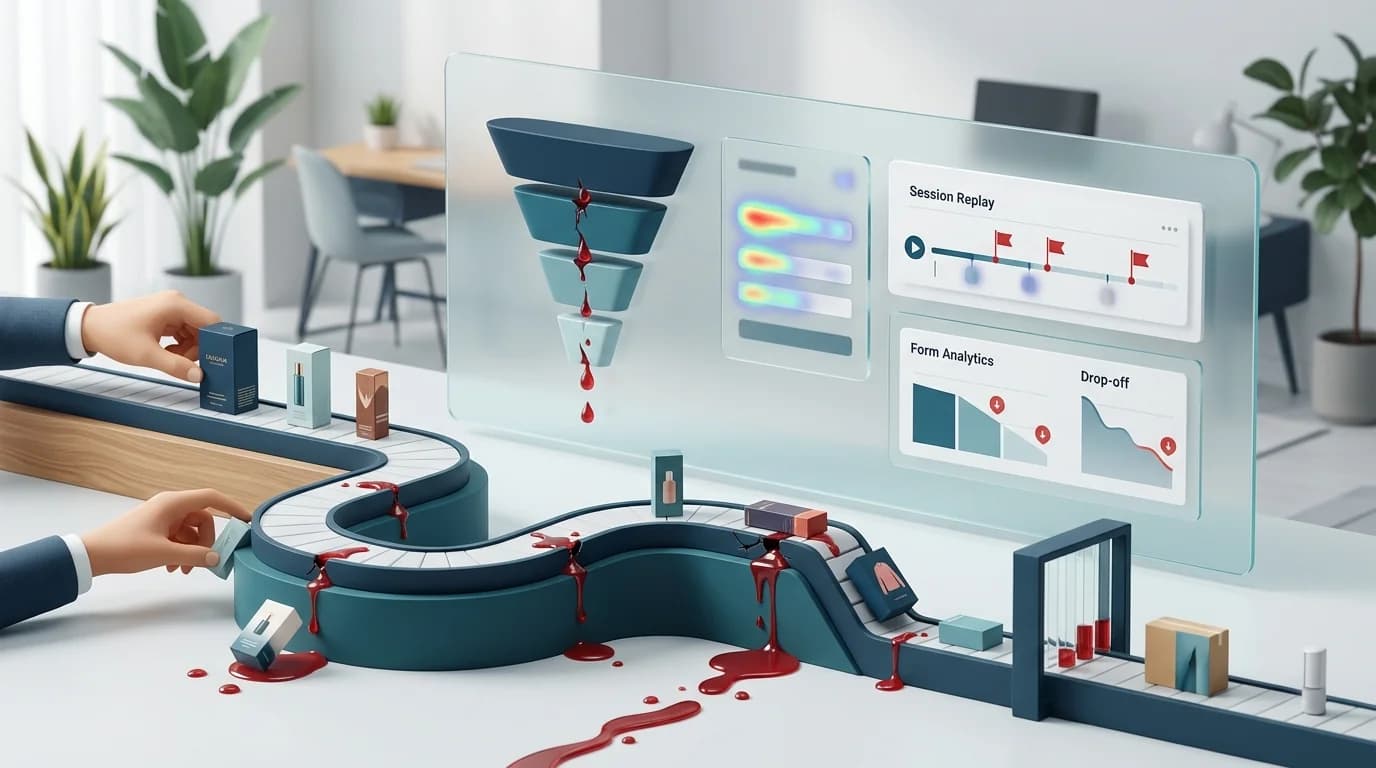
Your checkout looks fine. The Add to Cart button works. The Pay button works. Stripe is up. So why is your conversion rate stuck at 1.8% while your ad spend keeps climbing?
Because "checkout" isn't one event — it's four. And D2C stores lose buyers at four different places, for four different reasons. A single conversion number averages all of that into a useless headline.
Baymard's research puts the average ecommerce cart abandonment rate at 70.19%. Almost half of those buyers leave because of unexpected costs at checkout. The rest scatter across coupon hunts, payment glitches, and mobile UX bugs you can't reproduce on desktop. If you treat all of that as one problem, you can't fix any of it.
Here's how to find each leak — and what to do once you've found it.
Why your checkout has four leaks, not one
The D2C checkout funnel almost always breaks down into:
- Cart → Shipping address (price reveal)
- Shipping → Payment (coupon hunt and trust check)
- Payment → Submit (failed transactions)
- Submit → Order confirmation (the silent thank-you-page bug)
Each step has its own dropout rate. A conversion-rate dashboard collapses all four into one number. A funnel report keeps them separate, so you can see that 38% of buyers vanish between cart and shipping while only 4% bail at payment — and act on the right one first.
Step 1: The shipping cost reveal
This is the bleeder. Cart-to-shipping is where most D2C funnels lose 30–45% of buyers.
The pattern: someone adds a $34 shirt to the cart, hits checkout, types in their address, and sees "$8.95 standard shipping." Tab closes.
Funnels alone tell you the bleed exists. To understand why, you need to watch what they did before they bailed. A session replay of an abandoned cart usually shows one of three things:
- The shipping line item appeared and the cursor immediately moved to the close-tab area.
- The buyer scrolled up to compare item price plus shipping against the product page price.
- They hovered on the shipping cost for several seconds before leaving — they were doing math.
If you see the same behavior across 50 replays, the fix is structural, not cosmetic: surface shipping cost on the product page, offer free shipping over a threshold, or kill the surprise entirely by displaying a flat rate in the cart.
Step 2: The coupon field
The coupon field is one of the most expensive UI elements in ecommerce. Every empty box is an invitation to open a new tab and search "[your brand] coupon code."
Most of those buyers don't come back. Baymard has documented this for years — the presence of an obvious coupon field measurably lowers conversion for users who don't have a code.
Your funnel will show this as a dip between shipping and payment. Replay will confirm it: tab focus leaves the page, comes back 90 seconds later (if at all), and the buyer either pastes a code or closes the tab. This is the same quiet-killer dynamic we covered in the form abandonment guide — small UI choices compound into major revenue loss.
The fix isn't removing the coupon field — your repeat customers need it. The fix is hiding it behind a small "Have a code?" link, so first-time buyers never see it.
Step 3: Payment failures you can't reproduce
A buyer fills out their card details, hits Pay, and nothing happens. Or they get a generic "Payment could not be processed" message. They try again with a different card. Same thing. They leave and never tell you.
This is the worst kind of leak because your support team never hears about it. The buyer assumes your store is broken and moves on.
In a funnel, this shows up as a drop between Payment and Order Confirmation. Session replay lets you watch the actual sequence — which fields they filled, which validation errors fired, what the Stripe iframe returned. We've covered the deeper version of this in Stripe checkout abandonment debugging, but the short version: replays of failed payment sessions will surface 3DS challenges that timed out, expired cards, AVS mismatches, and bank-side declines that your dashboard logs as a "generic error."
Bonus: if the buyer at least entered an email before payment failed, lead recovery can fire a "looks like your payment didn't go through, try again with one click" email within minutes — not the 24-hour delay most cart-recovery tools default to.
Step 4: The mobile keyboard problem
On mobile, the keyboard covers the bottom 40% of the screen. Buyers tap into the card number field, the keyboard pops up, and the field is now hidden. They scroll. The page jumps. The autofill suggestion is below the fold. They give up.
You won't catch this on a desktop QA pass. You won't catch it in Lighthouse. You'll catch it by watching mobile session replays where the rage-tap and rage-scroll patterns are obvious within 10 seconds.
If your mobile-to-desktop conversion ratio is worse than half, this is almost always the culprit. iOS Safari and Chrome on Android handle keyboard-aware scroll differently, so a fix that works in one browser may not in the other — replay both, separately.
What to do with the four numbers
Once you have a funnel showing the drop at each step, the workflow becomes:
- Find the worst-performing step.
- Watch 20 replays of sessions that died at that step.
- Look for the repeated pattern. There almost always is one.
- Ship the fix. Re-measure the funnel a week later.
- Move to the next-worst step.
This is a much shorter feedback loop than running A/B tests on every checkout copy change. You're not guessing — you're watching.
For PCI-DSS and GDPR compliance, make sure your replay tool masks card fields and PII by default. CloseTrace blocks payment iframes and permanently excludes sensitive payment inputs, so you'll see the user's behavior around the field without recording the digits.
The takeaway
D2C checkout optimization isn't about a magic button color. It's about knowing which of the four checkout steps is actually leaking, watching the bailers, and shipping a fix specific to that step.
A weekly funnel review paired with replay watching gives you a repeatable way to investigate cart friction. CloseTrace combines funnels, session replay, and lead recovery for pages where its tracker can run. Hosted access is free during early access; public paid pricing is not live yet.
Pick the worst step. Watch ten replays. Ship one fix. Repeat next week.